Where do I get the CSV?
In Meta Business Suite: Insights, then Content, then Export data, as CSV. Import it at reeliq.net/app, or drop the file on the page. The guide shows every step.
ReelIQ says No reels found
Check that the file is a CSV, not XLS, and that it has a Views, Plays or Reach column.
Do I need to log in with Facebook?
No. ReelIQ is a website with no Facebook login. It reads the CSV you export yourself.
Is my data uploaded anywhere?
No. The file is read in your browser and kept there, on your computer. Nothing is uploaded.
How are the grades worked out?
Each reel's views are compared to your usual reel. You need at least 3 reels for grades.
- A+3 times your usual reel, or more
- A2 times
- B1.25 times
- C0.8 times
- D0.5 times
- Fless than that
I don't see posting-time suggestions
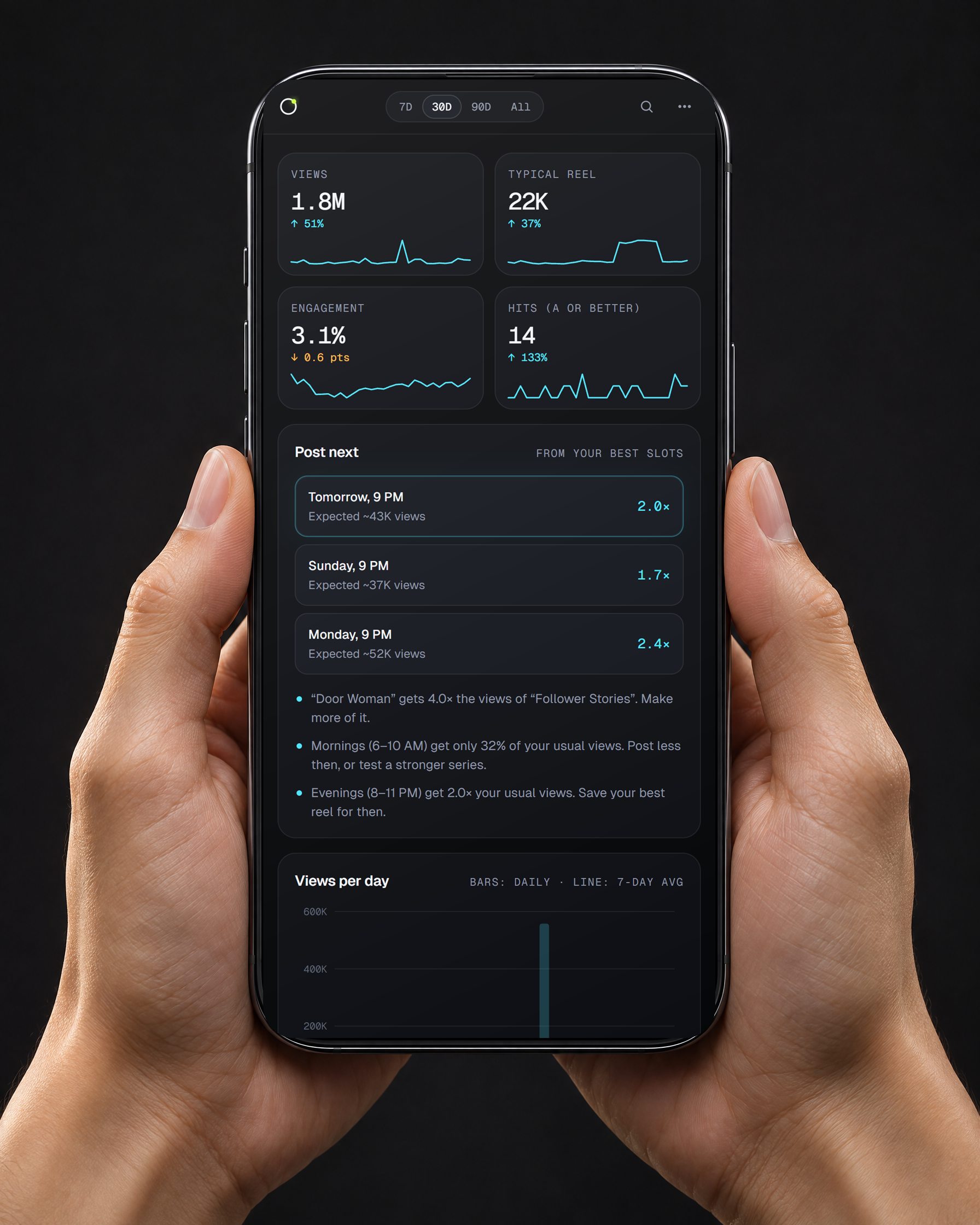
They need at least 8 reels with a publish date. Export a longer date range and import it again.
What happens when I import a new CSV?
ReelIQ adds it to what you have, updates the numbers and keeps your own series and hook labels.
How do I back up my data?
Use backup in the dashboard's data menu. It saves a JSON file, and restore in the same menu loads it. Clearing your browser data erases your reels, so back up first.
Does it work on my phone?
Yes, the dashboard opens on phones. Exporting the CSV is easiest on a computer.
Payment, receipts and refunds
ReelIQ is $19, paid once on Gumroad. Receipts and refunds go through Gumroad.